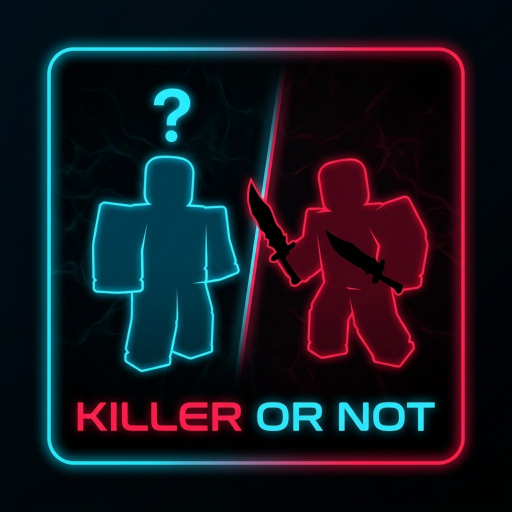
Use the correct experience
Open the official Roblox page by Frist's Clothing. Copycat experiences can reuse similar names or art.
Guide / First session
How to Play Killer or Not: join the official Roblox experience, read your round assignment, check your objective, follow current UI prompts and review the result screen.
Open official gameOpen the official Roblox page by Frist's Clothing. Copycat experiences can reuse similar names or art.
When a round starts, use the current UI to identify whether you are the killer or one of the other players.
The official description says players run from the killer and help teammates in other modes, so objectives may not be identical every round.
Use live lobby and round prompts instead of outdated control lists. Community captures show labels such as Inventory, Shop, Spectate, Modes, Radio and Event, but UI can move between updates.
After the round, compare what the UI reported with what happened. Treat a single match as orientation, not proof of hidden odds or fixed rules.
Creator: Frist's Clothing · Place ID: 127994242634536